What Is Privileged Identity Management — And When Do You Need It?
Quimirr Heyward explains Privileged Identity Management in Microsoft Entra ID — what PIM is, how just-in-time access works, and when your org needs it.
What Is It?
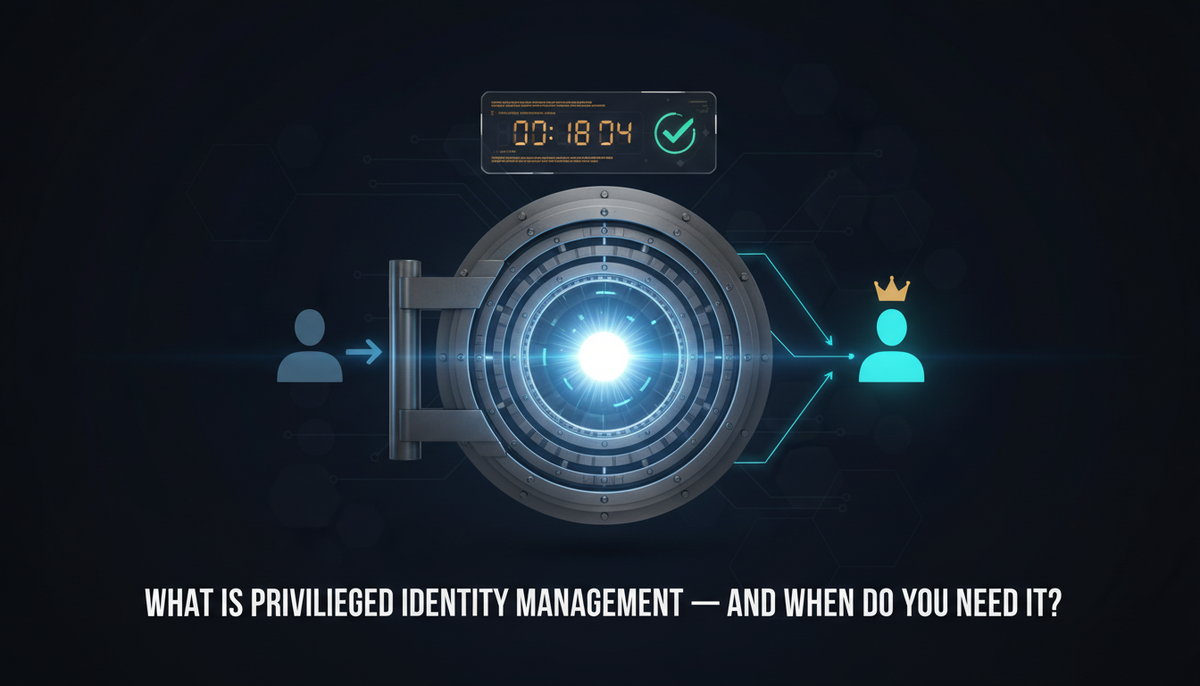
Privileged Identity Management (PIM) is a feature in Microsoft Entra ID that controls, monitors, and audits access to high-privilege roles. Instead of giving admins permanent standing access to powerful roles like Global Administrator or Security Administrator, PIM allows them to activate those roles on demand — for a specific time window and with a stated business justification.
It's the difference between giving someone a master key they carry at all times and having them check one out for two hours when they actually need it.
Why Does It Matter?
Standing privileged access is one of the highest-risk conditions in any identity environment. If an admin account with permanent Global Admin rights is compromised, the attacker has unrestricted access to your entire tenant — indefinitely.
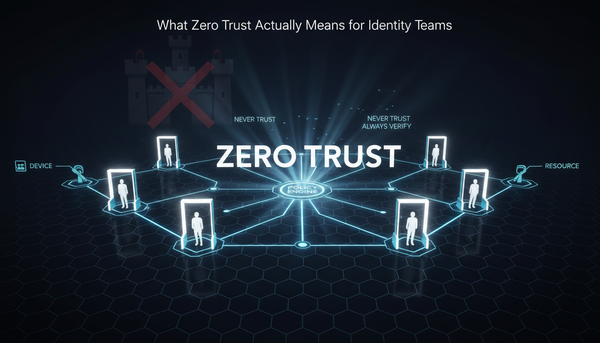
PIM shrinks that window dramatically. Even if a privileged account is compromised, the attacker can only act during an active role activation. Outside of that window, the account has no elevated access. This is just-in-time (JIT) access — one of the core principles of Zero Trust.
From a compliance perspective, regulators and auditors consistently flag standing admin access as a control gap. PIM provides the audit trail, approval workflows, and time-bound access that frameworks like NIST and SOC 2 expect.
How Does It Work?
With PIM enabled in Entra ID:
1. Eligible Assignment
Admins are made eligible for a role rather than being permanently assigned to it. Eligibility alone grants no access.
2. Activation
When an admin needs elevated access, they activate their eligible role through the PIM portal. They provide a reason, duration, and — if required — obtain approval from another admin.
3. Time-Bound Access
The role is active only for the approved window (e.g., 1–8 hours). It automatically expires. No manual cleanup required.
4. Audit Logging
Every activation — who requested it, why, when it started, when it expired — is logged in the Entra ID audit trail.
Real-World Example
A security engineer needs to modify a Conditional Access policy. In an environment without PIM, they use their standing Global Admin account — which is active 24/7. In an environment with PIM, they activate the Security Administrator role for one hour, make the change, and the role expires automatically.
Two weeks later, that engineer's account is compromised via a phishing attack. In the first environment, the attacker has unlimited Global Admin access. In the second, they have a regular user account with no elevated permissions. PIM contained the blast radius.
Best Practices
- Remove all standing Global Admin assignments — replace with PIM-eligible roles immediately
- Require MFA and justification for every PIM activation
- Require approval for the most sensitive roles (Global Admin, Privileged Role Admin)
- Set maximum activation windows — limit how long elevated access stays active
- Enable PIM alerts — get notified when standing assignments are created or activations spike
- Review eligible assignments regularly — PIM eligibility is still access, even if inactive
Key Takeaway
Standing admin access is a ticking clock. PIM removes the clock entirely — privileged access only exists when it's needed, for as long as it's needed, with a full audit trail behind it.
Quimirr Heyward is an IAM specialist with 7+ years in Risk Management and Compliance. He writes about identity security at QuimirrHeyward.com.